SkyCrown Casino Mobile Website and Browser Guide
 Available in AU
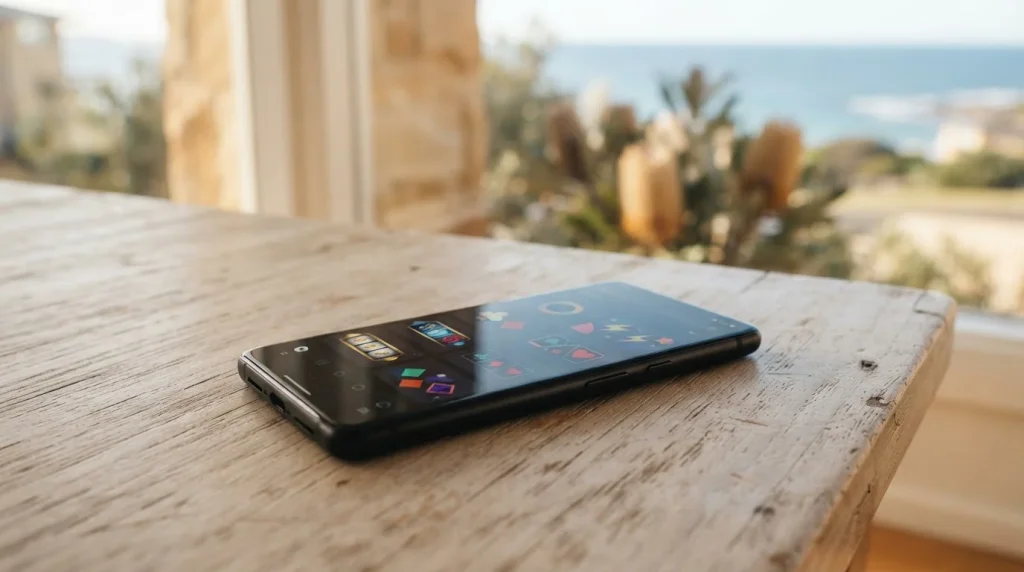
SkyCrown Casino can be viewed through a mobile browser, with a responsive lobby containing pokies, live games and other casino categories. A phone changes how those categories, account records and payment screens are handled: limited screen space, mobile networks and shared-device habits all affect the experience.
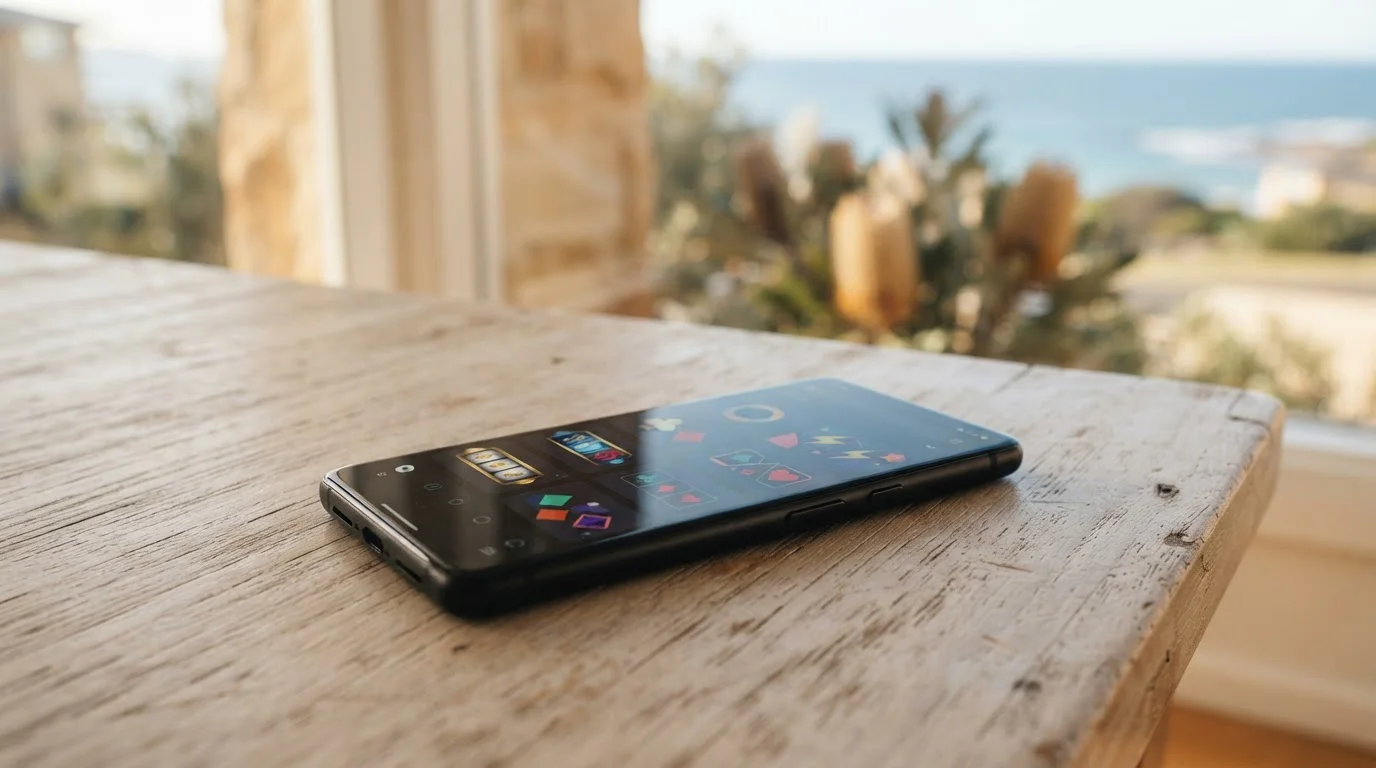
Table of Contents
Mobile connections, loading and data use
A casino lobby is a collection of interfaces, images and game launchers, not a single lightweight web page. On a phone, the difference matters. The category menu may become a narrower sequence of panels, game thumbnails can take time to render, and a live table can demand a more continuous connection than a static account page. SkyCrown’s browser-accessible catalogue has the familiar distinction between browsing games and loading one for play; those are separate operations from the phone’s perspective.
Mobile connection performance depends on the phone, browser version, signal quality, media assets and the particular game provider. A label such as “mobile-friendly” should therefore describe a layout intention rather than a promised loading time. A phone on a strong Wi-Fi link may show thumbnails quickly while the same phone on a congested cellular connection takes longer. Neither outcome measures the operator’s payment processing or its account review process.
Live-dealer formats generally transmit ongoing video, whereas a conventional reel game delivers a different mix of graphics, sounds and network messages. An interrupted live stream can be visually disruptive even when the underlying round result is determined on the provider’s server. The important distinction is between what appears on the display and what the game or account history records. The latter is the record that matters if a connection fails near a game outcome.
Browser caching may retain ordinary images and code to improve repeat page loads. It does not imply that an account is safely signed out or that temporary files contain no information. The browser’s back button can also revisit an earlier interface state without reflecting the newest account balance. A screen that appears unchanged is not proof that a payment or game action did not register.
Reading the mobile interface is easiest when its core components are treated separately: game catalogue, game frame, account area and cashier. Each has its own network and privacy assumptions. A payment event should be checked against the associated transaction record rather than inferred from a spinner or a fading notification.
The practical consequences of poor connectivity extend beyond inconvenience. Retrying a button while a request is still being processed can create uncertainty about whether an action has been submitted once or multiple times. A cautious interpretation is to review the actual record before treating a repeated tap as necessary. This is a general safeguard for any mobile transaction interface, not a claim about a particular SkyCrown processing fault.
Mobile account and payment screens
SkyCrown lists a mixture of card, wallet and cryptocurrency methods in its wider payment information. Payment categories remain distinct on a mobile device: a card form, a third-party wallet and a cryptocurrency transfer each require different checks and may involve different hand-offs. A payment button’s position or prominence on a phone does not establish which methods apply to an individual account.
A mobile wallet hand-off may briefly leave the browser for a payment app, while a card flow may show an authentication challenge. Switching between apps can make the transaction feel fragmented, but the important records are still the amount, currency, method and final transaction reference. A push notification is useful context; it is not a complete substitute for a provider’s receipt.
Cryptocurrency transfers introduce an additional distinction between an account display and a blockchain transaction. Destination addresses, assets and networks require exact matching. A transfer on the wrong network may be irreversible even when the amount entered on the screen was correct. Exchange-rate changes can also affect the value of the cryptocurrency between the time an amount is calculated and the time an external transfer completes.
The SkyCrown payment-method guide explains the published global method categories and the relationship between account checks and external settlement. Its method examples should not be mistaken for a promise that an Australian cashier can be used. Mobile layouts cannot change the financial or contractual character of an underlying payment instruction.
A phone may show a conversion amount in one currency and a bank or wallet receipt in another. Distinguishing the quoted value, operator account balance, provider fee and amount received is more informative than comparing two screenshots with different timestamps. For crypto assets, a small fiat-value change can reflect market movement even if the token quantity remains constant.
Screens are particularly easy to misread during temporary interruptions. An account history may contain a requested transaction, while the external bank or wallet has not yet reflected a settlement. Similarly, the display of a document-upload message does not itself demonstrate that a review is complete. Each stage must be interpreted using its own status and reference.
For readers keeping financial records, a phone screenshot can capture the visible interface but may crop crucial fields. A transaction number, date, currency and method are more useful than an isolated green tick. The screen may also reveal private balance information, so images should be stored and shared cautiously.
Protecting documents and sessions on a phone
SkyCrown’s KYC policy describes identity and age checks and may involve proof relating to payment methods. A phone camera makes collecting documents convenient, but convenience should not be confused with safe handling. An ID photograph can reveal a full name, birth date, document number and address. Those details merit more care than an ordinary screenshot of a game category.
An authenticated document-upload flow is different from sending files to a person who contacts an account holder on social media. A message that displays a familiar brand mark is not itself proof of authority. Check the domain and the authenticated context of any document request, and do not transmit sensitive files through an untrusted messaging link. The account verification guide explains how identity, payment ownership and document requests relate.
Shared devices create additional exposure. Even when a browser tab is closed, account information may be retained in autofill settings, screenshots, download folders or saved credentials. Logging out of the account is only one part of protecting data; the device’s own screen lock and credential storage also matter. Public or borrowed phones are a particularly poor place to retain photographs of official identity documents.
Wallet recovery phrases and private keys have a different role from account identity documents. They provide control over assets, so handing them to a third party can allow irreversible transfers. A legitimate identity review does not require giving away a non-custodial wallet’s recovery phrase. The distinction remains true whether an account interface is accessed on a phone, laptop or tablet.
On-device accessibility deserves equal attention. Browser zoom can enlarge smaller labels; operating-system text scaling may change card wrapping; keyboard and screen-reader support can vary between the surrounding site and embedded game content. Important account decisions should be evaluated using readable fields rather than relying on colour alone. A red or green badge is not a sufficient explanation of a transaction state.
If a document is sent for a legitimate check, keep the request identifier and track whether receipt and completion are separate notices. Avoid making multiple copies of high-sensitivity files merely to compare upload screens. A secure record of the purpose of each request can be useful if a later support conversation asks what was provided.
The central mobile risk is the combination of small-screen ambiguity and highly sensitive data. A confusing form can be revisited, but a disclosed password, recovery phrase or widely forwarded identity image may be much harder to contain. The same caution applies to payment instructions and to personal records visible in screenshots.
Questions about the SkyCrown mobile experience
Does SkyCrown have a mobile browser website?
Yes. SkyCrown’s catalogue can be accessed in a mobile browser through a responsive web interface.
Does a responsive website mean a native app is required?
No. A responsive mobile website is used through a browser; it is a different delivery format from an installed native application.
Do all game categories use the same amount of mobile data?
No. Data use depends on the game and its media, with continuous live video generally differing from static catalogue screens.
What matters when reviewing a payment on a phone?
Keep the amount, currency, payment method and reference number separate from temporary on-screen notifications.
How should identity documents be handled on mobile?
Use an authenticated upload flow and avoid sending sensitive photographs or wallet recovery phrases through untrusted messages.
What the smaller screen changes
The SkyCrown mobile browser experience keeps the catalogue, account area and payments within the constraints of a phone interface. Its most important differences are practical: category navigation requires closer attention, media-heavy games depend on the connection, and sensitive account or payment details are easier to misread or expose. Separating a visual notification from a completed external transaction and separating document submission from document approval gives mobile account records their proper meaning.